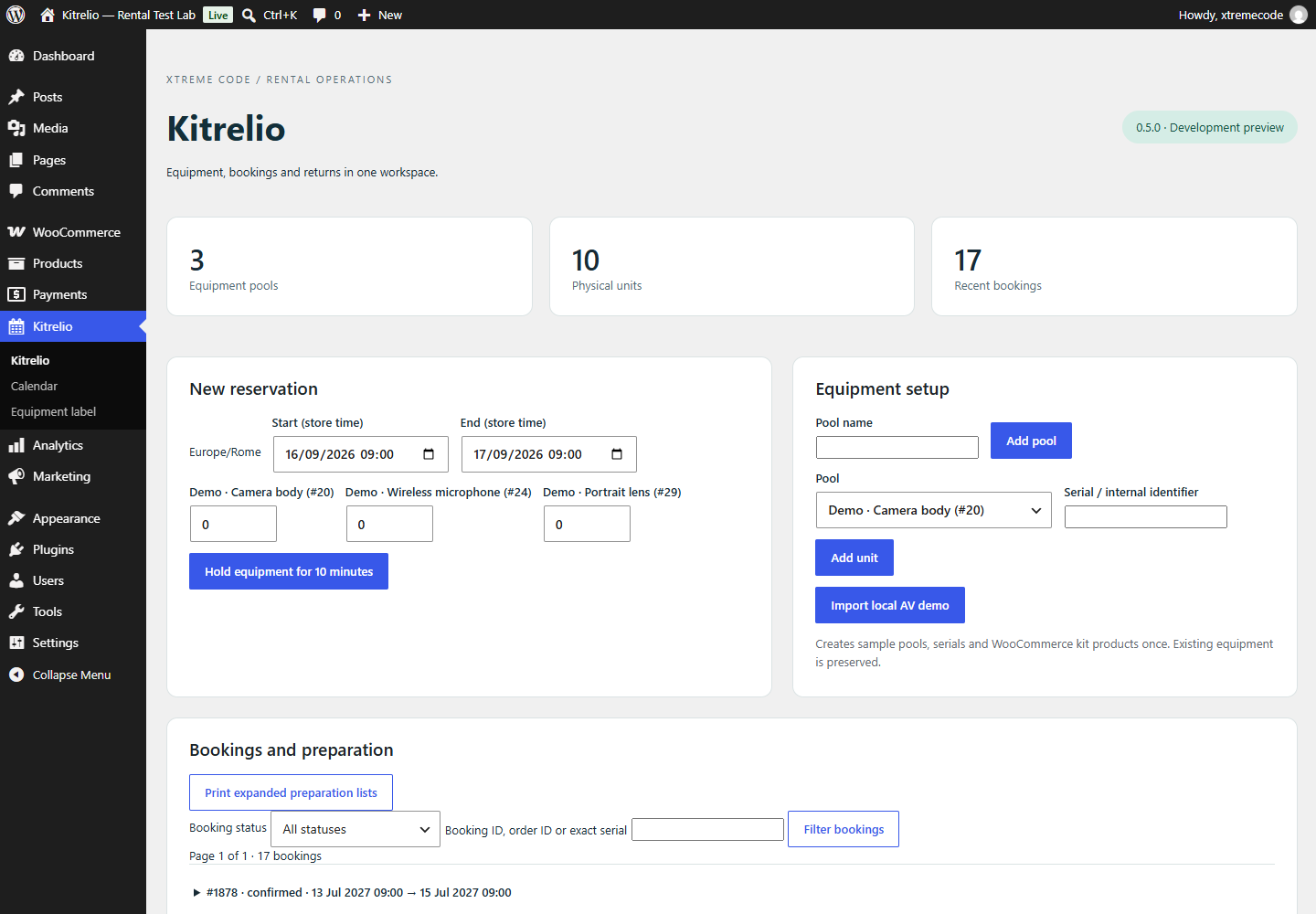
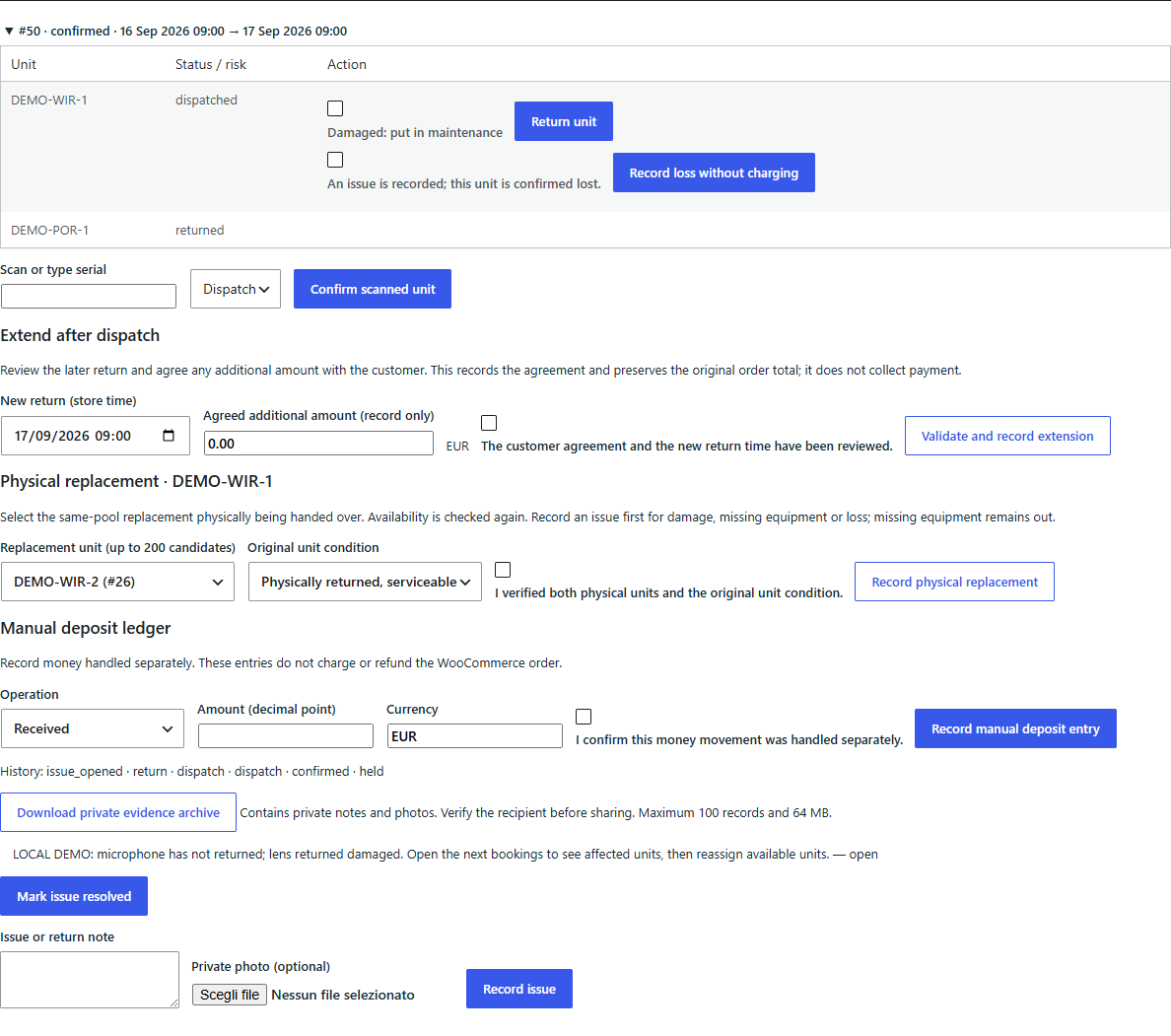
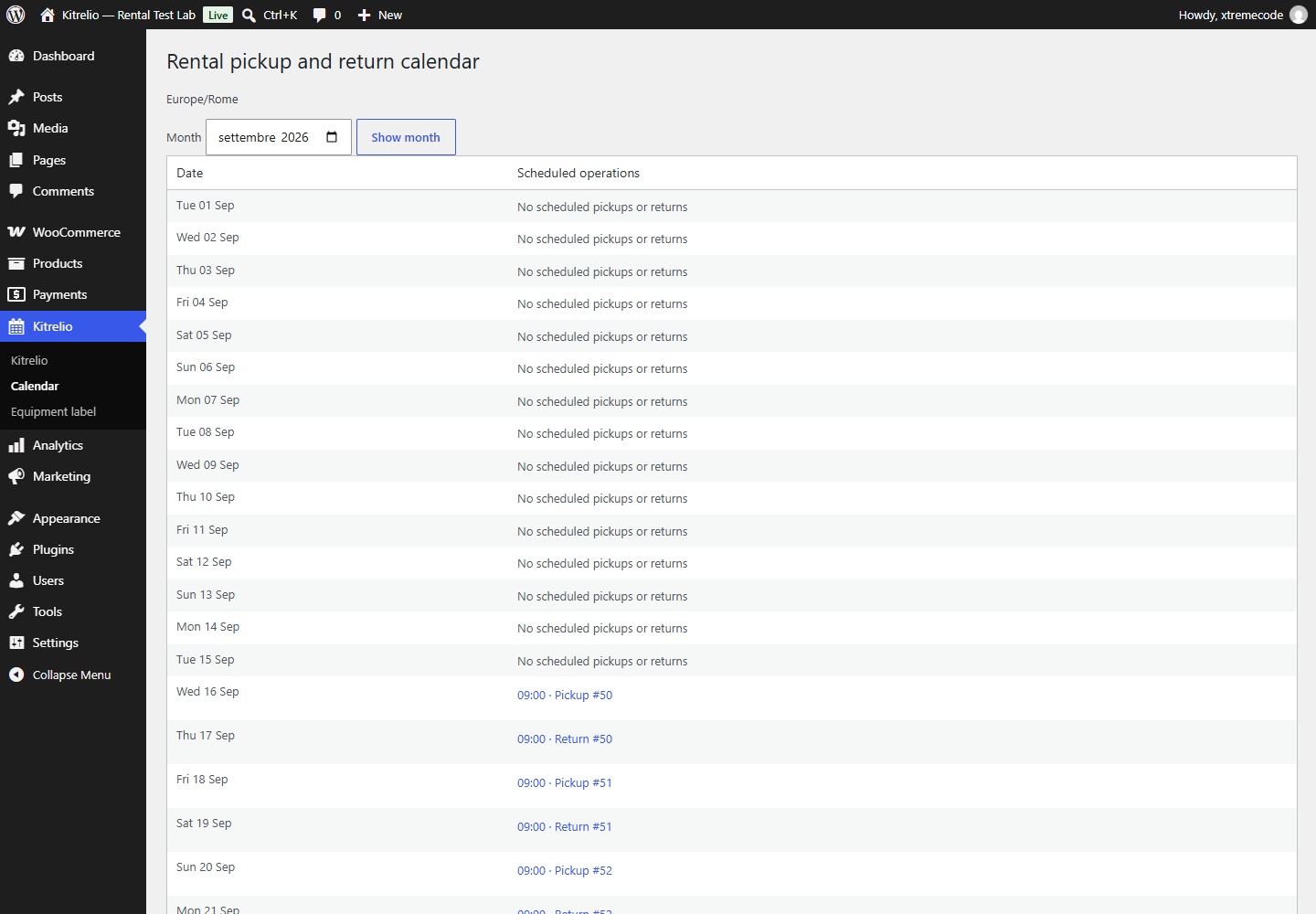
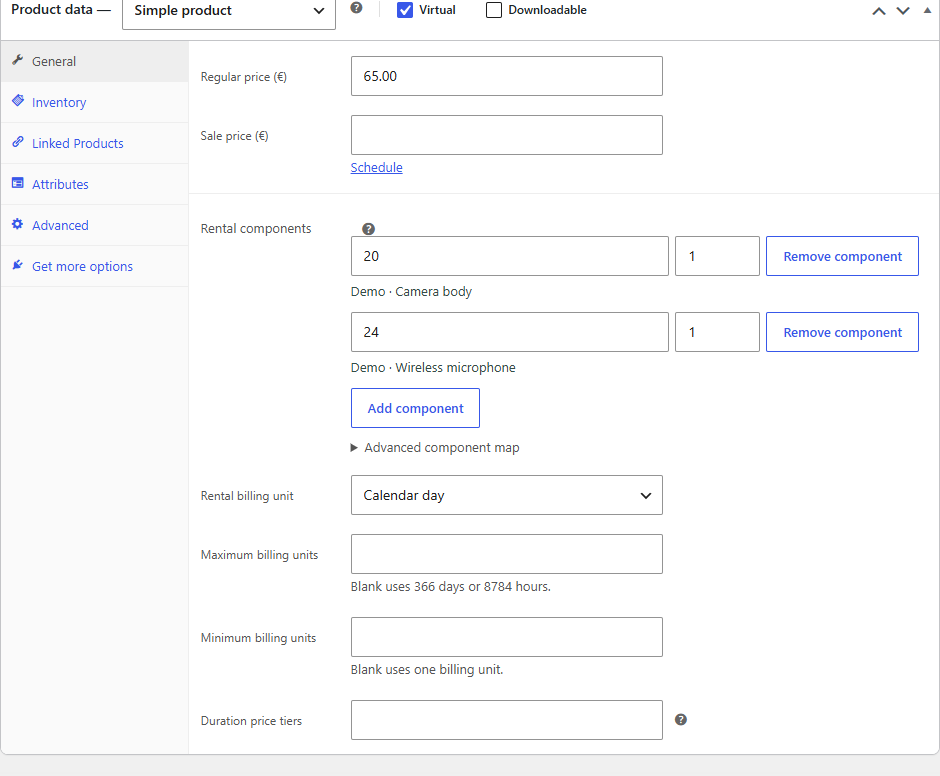
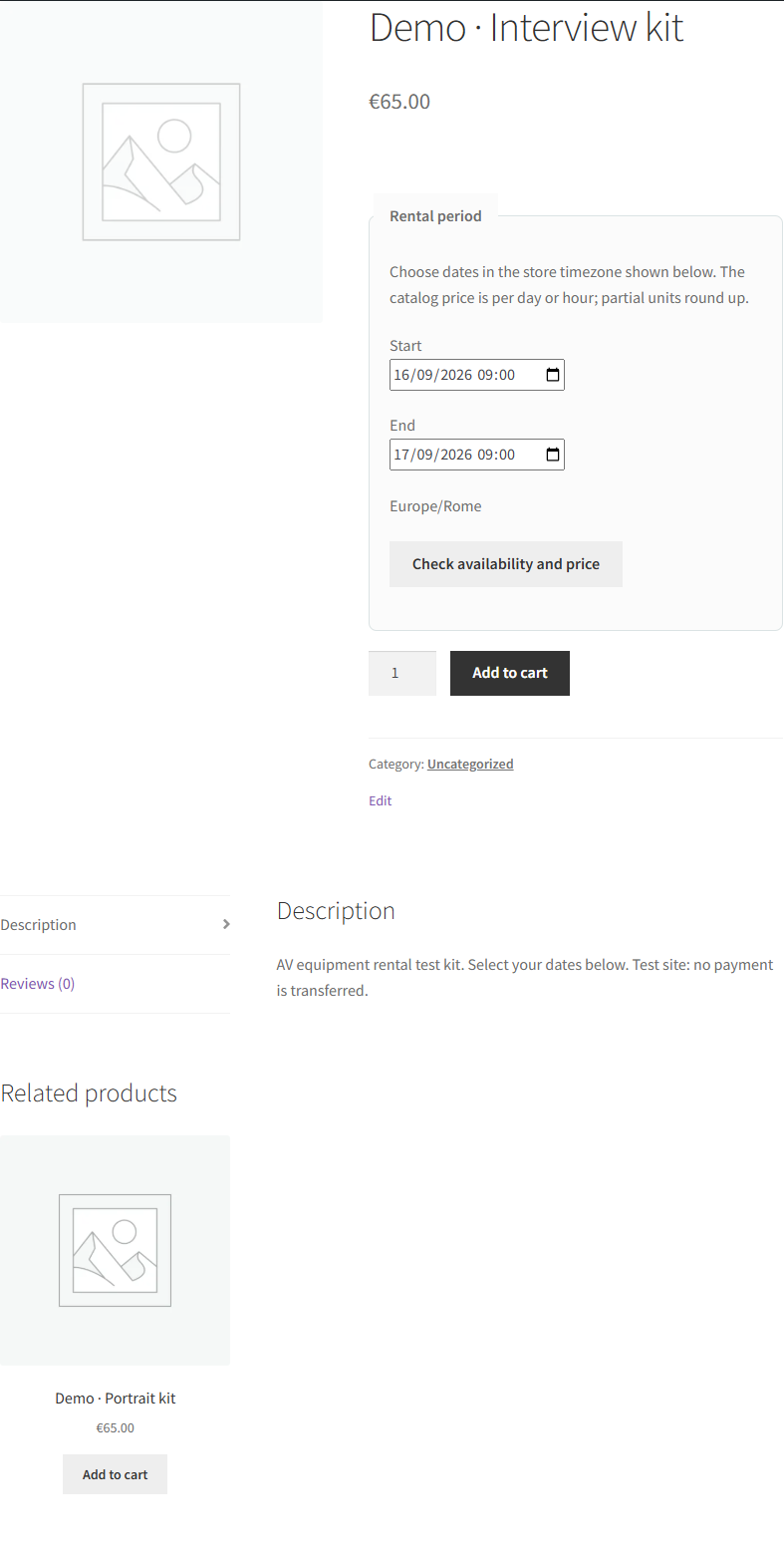
These are actual Kitrelio 0.5.0 screens captured in the local WordPress demonstration. All equipment and reservations are test data. This is a development review, not an approved marketplace listing.
1. Rental workspace
Manage pools and physical units, then reserve the required equipment for a period.
2. Partial return and private issues
Physical movements and private evidence remain attached to the booking.
3. Pickup and return calendar
Open a booking from its pickup or return date in the store timezone.
4. Kit product configuration
Several products can share the same physical pool. Availability is checked across those reservations.
5. Customer product
The selected period is validated and priced on the server before a cart hold is accepted.
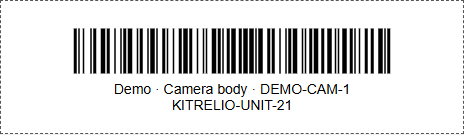
6. Physical unit label
Use a compatible barcode reader or enter the serial manually. A physical printer and scanner still require qualification.