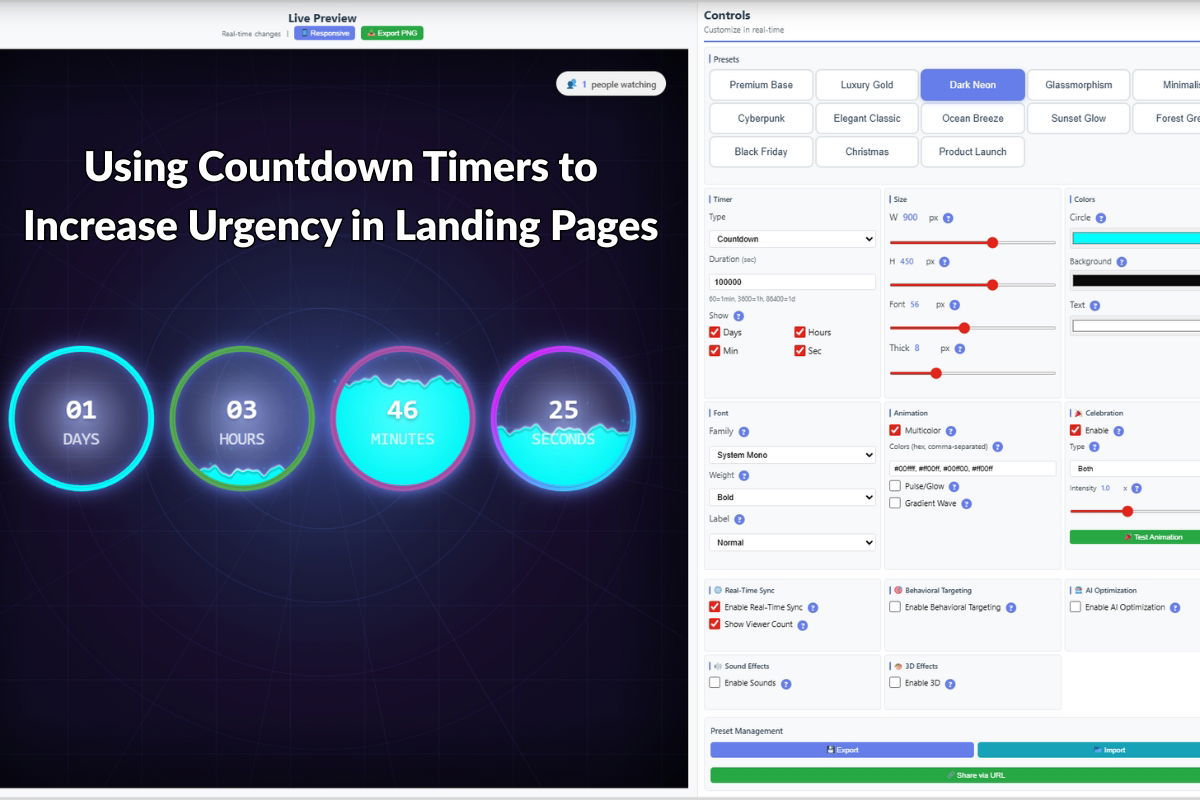
Using Countdown Timers to Increase Urgency in Landing Pages
Landing pages are critical for converting visitors into customers. One of the most effective ways to increase conversions is by creating a sense of urgency through countdown timers. In this article, we’ll explore how to effectively use countdown timers on landing pages to boost conversions.
The Psychology of Urgency
Urgency is a powerful psychological trigger that motivates action. When visitors see a countdown timer, it triggers:
- Decision Acceleration: Encourages faster decision-making
- Perceived Scarcity: Creates the impression that opportunities are limited
- Action Motivation: Reduces procrastination and increases immediate action
Where to Place Countdown Timers on Landing Pages
Above the Fold
Placing a countdown timer above the fold ensures maximum visibility. Visitors see it immediately without scrolling, creating instant urgency.
Near Call-to-Action Buttons
Positioning timers near CTA buttons reinforces the time-sensitive nature of the offer and can increase click-through rates by up to 30%.
In the Header or Sticky Bar
Sticky countdown timers remain visible as users scroll, maintaining urgency throughout the page experience.
Design Considerations
Visual Hierarchy
Countdown timers should be:
- Prominent but not overwhelming
- Visually distinct from other page elements
- Aligned with your brand colors and style
- Easy to read at a glance
Color Psychology
Choose colors that enhance urgency:
- Red: Maximum urgency, use for critical deadlines
- Orange: Strong urgency, good for sales and promotions
- Blue: Trust and reliability, suitable for professional offers
Implementation with Countdown Timer Pro
Countdown Timer Pro makes it easy to add countdown timers to your landing pages. Here’s how:
1. Choose Your Timer Style
The plugin offers multiple styles:
- Circular progress timers
- Digital countdown displays
- Linear progress bars
- Custom designs
2. Configure Settings
Set up your timer with:
- Target date and time
- Custom messages
- Completion actions (redirect, hide, show message)
- Responsive breakpoints
3. Integrate with Your Landing Page
Use shortcodes, widgets, or Gutenberg blocks to add timers anywhere on your landing page. The plugin is compatible with all major page builders.
Best Practices
Use Real Deadlines
Always use actual deadlines. Fake urgency damages trust and can hurt your brand reputation. Real deadlines include:
- Sale end dates
- Early bird pricing expiration
- Limited-time bonus availability
- Event registration deadlines
Combine with Other Urgency Elements
For maximum impact, combine countdown timers with:
- Limited quantity messages (“Only 5 left!”)
- Social proof (“127 people viewing this”)
- Exclusive offers (“Members only”)
- Bonus incentives (“Free shipping ends in…”)
Mobile Optimization
Ensure timers are:
- Fully responsive
- Readable on small screens
- Touch-friendly
- Fast-loading
Advanced Strategies
Dynamic Timer Messages
Change messages based on time remaining:
- Days remaining: “Sale ends in X days”
- Hours remaining: “Only X hours left!”
- Minutes remaining: “Final minutes – act now!”
Multiple Timers for Different Offers
Use multiple timers for different aspects of your offer:
- Main sale countdown
- Early bird pricing deadline
- Bonus availability timer
Measuring Effectiveness
Track these metrics to measure timer impact:
- Conversion rate with vs. without timer
- Time to conversion
- Bounce rate changes
- Engagement metrics
Common Pitfalls
- Overuse: Too many timers can reduce effectiveness
- Poor Placement: Timers hidden below the fold miss opportunities
- Fake Urgency: Always use real deadlines
- Ignoring Mobile: Ensure timers work perfectly on all devices
Conclusion
Countdown timers are a proven way to increase urgency and boost conversions on landing pages. When implemented correctly with Countdown Timer Pro, they can significantly improve your campaign performance.
Start increasing urgency on your landing pages today. Get Countdown Timer Pro and see the difference it makes.
Leave a Reply